By Rajesh Kannan, Co-Founder & CTO, Gramosoft · Last updated: · Install audit from our own lab on November 5, 2026 (Python 3.13, camoufox 0.5.9, Playwright 1.62)
Camoufox shows up in almost every 2026 thread about scrapers that get flagged. It's a Firefox build for automation, driven through the Playwright API, that sets fingerprint values inside the browser engine instead of patching them in JavaScript. This tutorial covers what it is, how to install it and run a first scrape, what our install audit found, where it falls short, and when GcrawlAI is the simpler route.
TL;DR
- What it is: an open-source Firefox fork for scraping and AI agents. You drive it with Playwright's API from Python, and it presents one consistent browser identity per session.
- Install:
pip install "camoufox[geoip]", thenpython -m camoufox fetchto download the browser. The browser isn't in the pip package. - What we found: camoufox 0.5.9 pins browser build 158.0.1-beta.41, pulls in Playwright 1.62, and ships 285 fingerprint presets. With GitHub blocked, the browser download failed with HTTP 403.
- Where it stops: Firefox only, a project that calls itself under development, and browsers, proxies and upkeep that are yours to run.
- The simpler route: for public pages you're allowed to collect, GcrawlAI renders each page in a real browser on its side, one request per page.
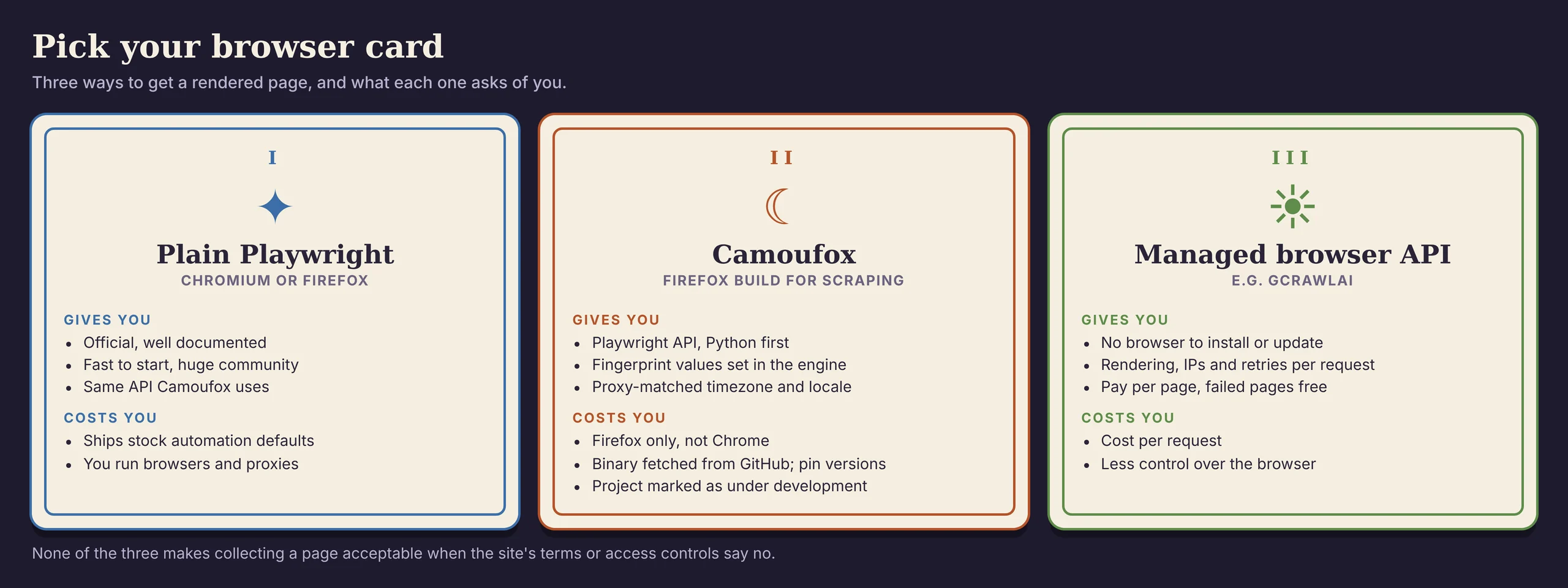
What is Camoufox? Camoufox is an open-source build of Firefox for web scraping and browser automation. You control it with the Playwright API from Python, and it sets browser fingerprint values inside the Firefox engine rather than with JavaScript patches, so the identity it presents stays consistent. Install it with pip install "camoufox[geoip]" and download the browser with python -m camoufox fetch. For public pages without running browsers yourself, a managed API such as GcrawlAI renders pages in a real browser for you.
Camoufox at a glance
| Question | Answer (checked November 5, 2026) |
|---|---|
| Engine | Firefox (Gecko), not Chromium |
| API | Playwright, sync and async, from Python; other languages through a Playwright server |
| Latest package in our test | camoufox 0.5.9, browser 158.0.1-beta.41 |
| Licence | Python package metadata says MIT; the browser is a Firefox fork |
| Status | The project describes itself as under development |
A real browser without running one: GcrawlAI
Camoufox gives you a browser you install, pin, update and scale yourself, along with the proxies it needs. That's the right trade for some teams. If what you want is the rendered page, GcrawlAI runs a real browser on its side and returns the HTML or Markdown, with nothing to download or keep in step with releases.
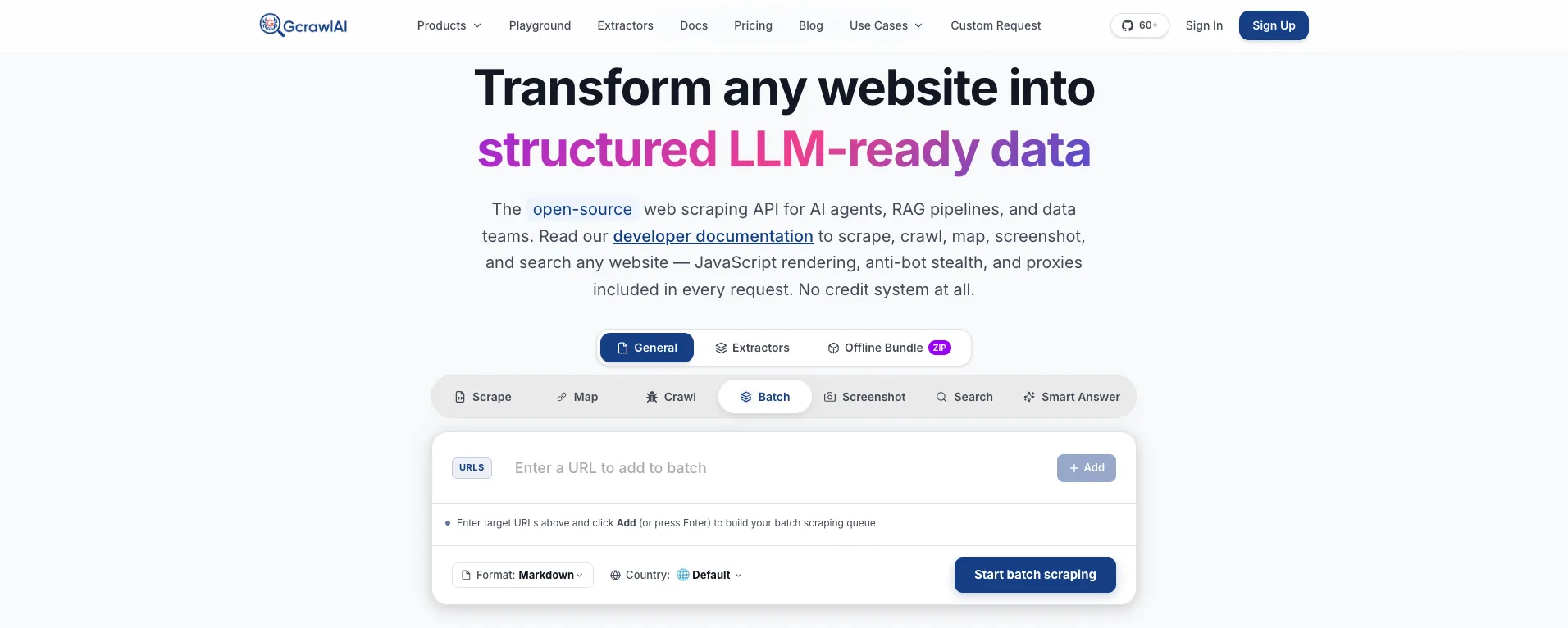
The homepage puts it in one line: JavaScript rendering, anti-bot stealth and proxies come with every request, with no credit system. For a page Camoufox would render, that means the same result arrives from one API call, and the browser binary, its version pins and its memory use never touch your servers.
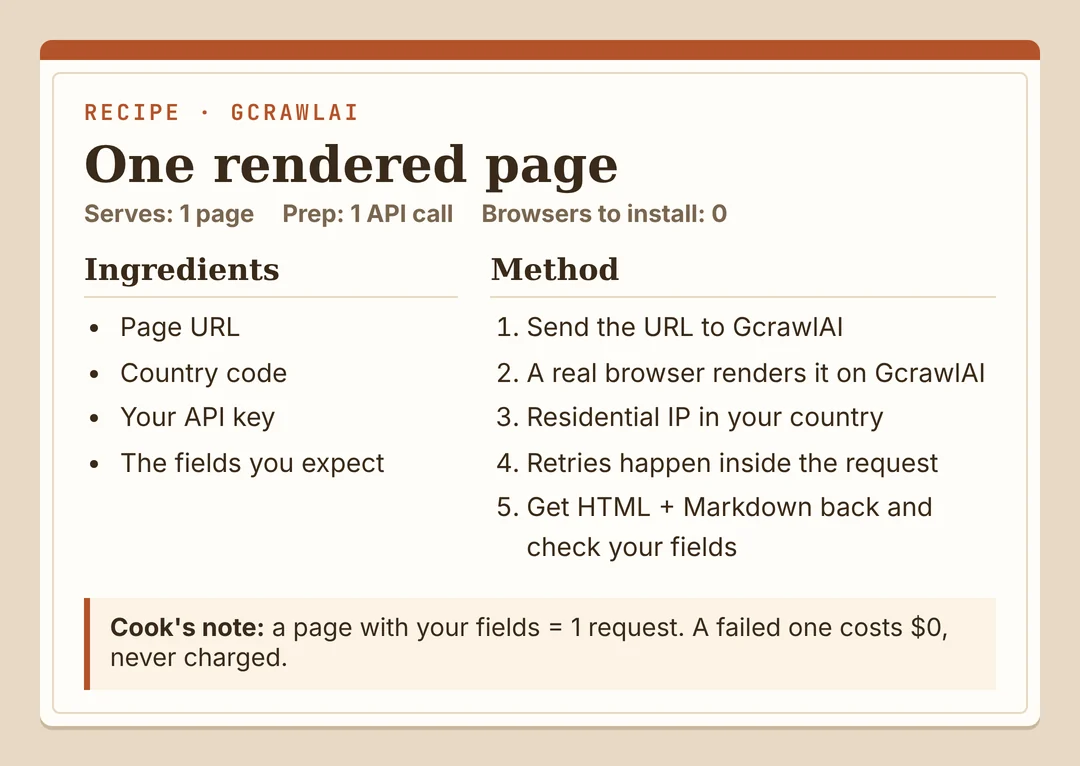
Here's the same practice page our Camoufox example uses, fetched through GcrawlAI and kept only if the books are in it:
# pip install gcrawl-sdk parsel
"""The same page through GcrawlAI: a real browser on GcrawlAI's side, so there is no browser binary
to fetch, pin or update on your machine. Keep the page only if the books are in it."""
import os

from gcrawl_sdk import GcrawlClient, ScrapeOptions
from parsel import Selector

gc = GcrawlClient(api_key=os.getenv("GCRAWL_API_KEY", "gc-YOUR_API_KEY"))

page = gc.scrape(url="https://books.toscrape.com/",
                 options=ScrapeOptions(html_enabled=True, markdown_enabled=True, proxy_geo="US"), wait=True)
books = Selector(page.html or "").css("article.product_pod")
print(f"{len(books)} books" if books else "page came back without books: check before storing")
- Rendering and access: a real browser through residential IPs in the country you choose, with retries and stealth escalation inside the request.
- Output you can check: HTML, Markdown or JSON, plus extractors that return structured fields for common page types.
- Scrape, crawl, screenshots and Search API: scrape single pages, crawl whole sites, capture screenshots, or use the Search API.
- For developers and AI agents: a Python SDK, an MCP server for Claude, Cursor and other agents, the Playground to test a page before you write code, and the docs.
The MIT-licensed core also runs on your own servers: clone it from GitHub and the setup script in the code download starts the API with Redis and a Celery worker.
Pricing is a free plan of 50 requests a month with no card, paid plans from $0.67 to $1.45 per 1,000 requests, and a self-hosted core that costs nothing. Failed requests are never charged. The full plan table is in the cost section.
Where it falls short: you don't get Camoufox's level of control over the browser profile, and no service reaches every page, GcrawlAI included. Test your own targets on the free plan. It won't solve CAPTCHAs meant for humans or log in for you, and it doesn't make collecting a site's data acceptable when that site's terms say no.
"Camoufox is a well-built browser. The question we ask teams is whether they want to own a browser fleet or just the data. Most of them only wanted the data."
Rajesh Kannan, Co-Founder & CTO at Gramosoft
What Camoufox is and how it works
Camoufox is a fork of Firefox built for automation. Instead of loading a stock browser and patching JavaScript properties after the page starts, it changes values such as navigator properties, screen size, fonts and WebGL details inside the browser's own code. Pages read those values the same way they read any real Firefox install.
Bright Data's guide describes it as changing browser behaviour at the engine level rather than relying on JavaScript tricks. Roundproxies adds that it generates fingerprints with BrowserForge, a library that follows the real-world spread of device characteristics, and that it strips Mozilla's telemetry and bundled services.
- Playwright API:
Camoufox()returns a Playwright browser, sonew_page(),goto()and locators work as usual. ZenRows notes that porting a Playwright script mostly means changing imports and setup. - One identity per session: each launch gets a complete, internally consistent profile rather than a mix of randomised values.
- Proxy-matched location: the
geoipoption reads the proxy's exit IP and sets timezone, language and geolocation to match it. - Other languages:
python -m camoufox serverstarts a Playwright server, and ByteTunnels shows Node.js connecting to it over WebSocket.
The trade-off is the engine. Camoufox is Firefox all the way down, so it can't present itself as Chrome. That's by design: a browser claiming to be Chrome while running Firefox's engine would be the kind of mismatch detection systems look for.
When Camoufox is the right tool
Camoufox fits a narrow set of jobs well. It suits teams that already write Playwright, need a real browser for JavaScript-heavy public pages, want to control the browser profile themselves, and are ready to run browsers, proxies and version pins. It's a poor fit when you only need a page's data occasionally.
| Your situation | Camoufox? | Why |
|---|---|---|
| Pages work with plain HTTP or an embedded JSON API | No | A browser is slower and costlier; see our guide to scraping JavaScript websites with Python |
| JavaScript pages, you already use Playwright | Maybe | Try plain Playwright first; switch if you need a consistent Firefox profile |
| You need a Chrome identity specifically | No | Camoufox is Firefox only |
| Long-running browser jobs you'll maintain in-house | Yes | Pinned builds, profile control, Playwright API |
| You want rendered pages without running browsers | No | A managed API such as GcrawlAI is less work |
How to install Camoufox
Installation has two parts, and the second one surprises people. pip installs the Python package and Playwright, but not the browser. The browser is a separate download that python -m camoufox fetch pulls from GitHub, and the first launch tries the same download if you skip that step.
- Use a virtual environment:
python -m venv camoufox-env, then activate it. The stablecamoufoxpackage and the alphacloverlabs-camoufoxpackage share module names and conflict if installed together, as Roundproxies warns. - Install the package:
pip install "camoufox[geoip]". Thegeoipextra adds the data that matches timezone and language to a proxy's location. - Download the browser:
python -m camoufox fetch.python -m camoufox versionshows the package and browser you have, andpython -m camoufox pathshows where it's stored. - On Linux servers: Roundproxies lists libgtk-3-0, libasound2 and libdbus-glib-1-2 as commonly required on Ubuntu and Debian.
In Docker or CI, run the fetch while building the image, not when the container starts. That keeps runs from depending on GitHub being reachable, and it fixes the browser version for every worker built from that image.
Your first Camoufox scrape
A first scrape looks just like Playwright. The script below opens Books to Scrape, a public site built for scraping practice, reads each book's title and price, and stops if the page came back without them. Swap in your own URL and selectors once it runs.
# pip install "camoufox[geoip]"  then  python -m camoufox fetch   (downloads the browser once)
"""A first Camoufox scrape: open a public practice site in Camoufox's Firefox build through the
Playwright API, read the books on the page, and stop if the page came back without them."""
from camoufox.sync_api import Camoufox

with Camoufox(headless=True) as browser:
    page = browser.new_page()
    page.goto("https://books.toscrape.com/", wait_until="domcontentloaded")
    rows = [{"title": book.locator("h3 a").get_attribute("title"),
             "price": book.locator(".price_color").inner_text()}
            for book in page.locator("article.product_pod").all()]

print(f"{len(rows)} books, first: {rows[0]}" if rows else "no books on the page: check it before storing")
- Headless:
headless=Trueruns without a window. On Linux, Camoufox also offersheadless="virtual", which runs it with a virtual display. - Async:
from camoufox.async_api import AsyncCamoufoxgives the same API withasync withandawait. - Check the content: a page that loads isn't the same as a page with data. Count the items you need before you store anything.
Leave the fingerprint settings at their defaults. Camoufox raises a LeakWarning when you pass settings that can make the profile inconsistent, and a profile that contradicts itself is easier to spot than the default one.
Using Camoufox with a proxy
Camoufox takes the same proxy setting as Playwright: a server address plus an optional username and password. Add geoip=True and it reads the proxy's exit IP and sets the browser's timezone, language and location to match, so a German exit doesn't arrive with a New York clock.
Bright Data recommends session-based rotation, one IP for a short run of pages, over a new IP per request, and warns that rotating on every request creates unnatural traffic. That matches what we've seen: keep one IP, one cookie jar and one profile together for a session.
- Proxy type: residential or ISP proxies for pages that refuse datacenter ranges; our guide to residential vs datacenter proxies covers the trade-offs.
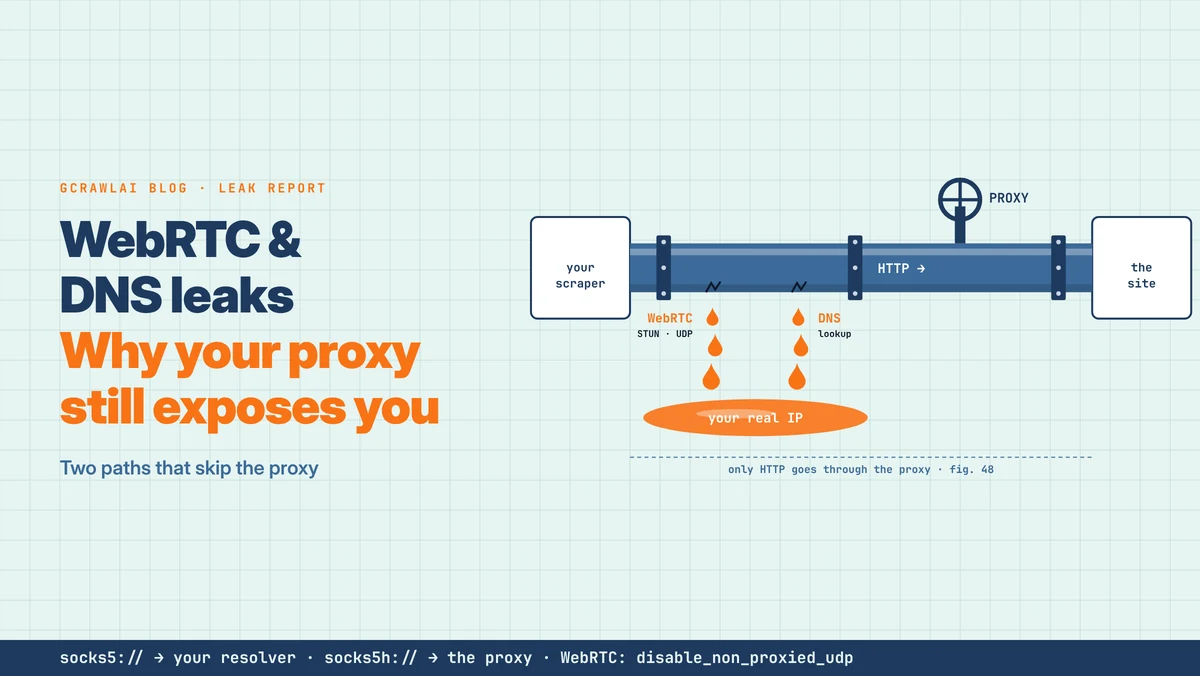
- WebRTC and DNS: a browser can still show a site another address through WebRTC; read WebRTC and DNS leaks and test your setup.
- Pace: a consistent profile at an inhuman request rate is still an inhuman request rate.
What pip install camoufox gave us
We installed camoufox[geoip] into a fresh Python 3.13 environment on November 5, 2026 and audited what arrived. GitHub was blocked in our sandbox, which turned out to be useful: it showed exactly what the package contains and what it still has to download. The audit script is in the code download.
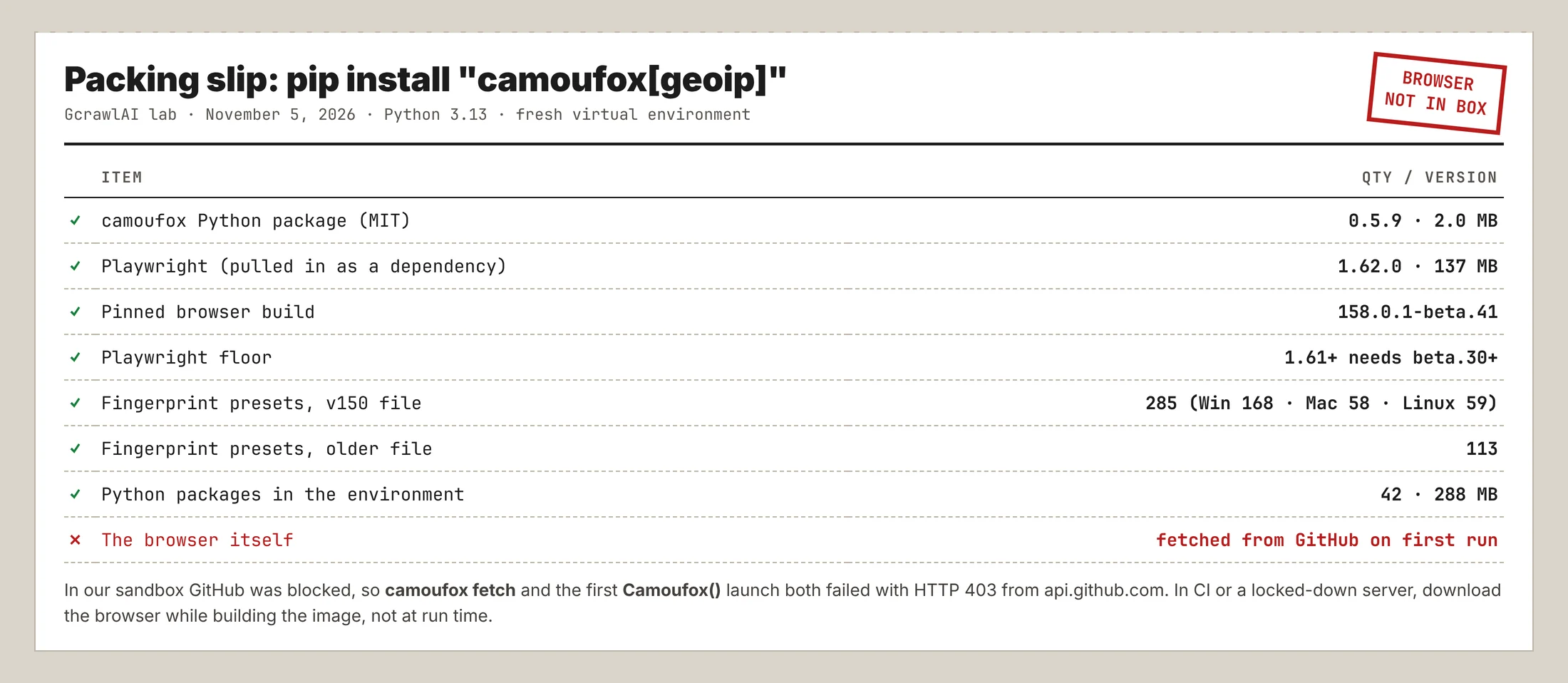
| Item | What we found |
|---|---|
| camoufox package | 0.5.9, MIT in its metadata, 2.0 MB |
| Pinned browser | 158.0.1-beta.41 |
| Playwright | 1.62.0, the largest dependency at 137 MB |
| Version rule | Playwright 1.61 and later needs browser build beta.30 or later |
| Environment | 42 packages, 288 MB before the browser |
| Fingerprint presets | 285 in the v150 file (Windows 168, macOS 58, Linux 59); 113 in the older file |
| Browser download | Failed: HTTP 403 from api.github.com, from both fetch and the first launch |
Two findings matter for production. First, the Playwright rule means upgrading Playwright alone can break a working setup if the browser build is older, so pin both together. Second, the preset count differs from figures in some write-ups: one cites 312 presets, while the 0.5.9 package ships 285. Check numbers against the version you install.
"The browser not being in the pip package is the detail that breaks deployments. The scraper works on a laptop, then the first container start in a locked-down network fails on a download nobody knew it needed."
Rajesh Kannan, Co-Founder & CTO at Gramosoft
Limitations to plan around
Camoufox solves one problem, a browser profile that holds together, and leaves the rest with you. Before building on it, weigh the project's own status, the Firefox-only engine and the cost of running real browsers. Competitors that sell managed alternatives publish their own numbers here, so treat those as their measurements, not ours.
- Project status: Roundproxies notes the project warns it may not suit stable production use, that code has moved between repositories, and that some fingerprinting components are kept closed source. Pin a version and test every upgrade.
- Resources: Bright Data and Roundproxies both put memory at about 200 MB per browser instance, and Bright Data estimates about 30 concurrent browsers on an 8 GB server.
- Long runs: Bright Data reports cookies expiring every 30 to 60 minutes and success falling from about 92% in hour one to about 10% by hour three without intervention.
- Sessions: ZenRows points out that session cookies are often tied to one IP and user agent, so rotating either can reset the session.
- Firefox only: if a target behaves differently for Firefox, Camoufox can't change that.
We don't cover clicking through CAPTCHA or Turnstile checks, harvesting challenge cookies to reuse later, or tuning fingerprints and mouse movement to defeat a site's bot checks. Those steps exist to get around a control the site chose to turn on, and a challenge in particular is the site asking for a human.
What rendered pages cost
Camoufox itself is free, but browsers, proxies and upkeep aren't, so compare it with managed APIs on the cost of a page you can use. For 100,000 successful protected pages a month, credit-based APIs cost $249 to $399 at list price and GcrawlAI costs $101. For plain pages, they're cheaper.
| Option, 100,000 successful pages a month | Plain HTML pages | Protected pages (JS rendering + premium proxies) | Are failed requests billed? |
|---|---|---|---|
| GcrawlAI (every request rendered, residential IPs included) | $101 (Growth $79 + 20,000 overage at $1.10 per 1,000) | $101 (same request, no multiplier) | No: failed requests are never charged |
| ScraperAPI | $49 (Hobby, 100,000 credits) | $299 (Business; 25 credits per page = 2.5M credits) | Charges only 200 and 404 responses |
| ZenRows | $39 (Build B3, 120,000 credits) | $399 (Growth G3; 25 credits per page = 2.5M credits) | Failed requests never charged; 404 and 410 count as successful |
| ScrapingBee | $49 (Freelance, 250,000 credits; JS off) | $249 (Business; 25 credits per page = 2.5M credits) | Charges only 200, 404 and 410 |
List-price arithmetic, not a benchmark. Credit costs and billing rules come from ScraperAPI's credit docs, ZenRows' pricing docs and ScrapingBee's FAQ, checked November 1, 2026. The honest read: for plain HTML, ZenRows, ScraperAPI and ScrapingBee cost less than GcrawlAI, and a self-run Camoufox setup costs servers and proxies rather than credits. Count cost per page with your fields in it.
GcrawlAI plans (GcrawlAI pricing, checked October 28, 2026):
| Plan | Price | Requests/month | Concurrent | Per 1,000 | Overage per 1,000 |
|---|---|---|---|---|---|
| Free | $0 forever, no card | 50 | 2 | – | – |
| Starter | $29/month | 20,000 | 10 | $1.45 | $1.60 |
| Growth (most popular) | $79/month | 80,000 | 35 | $0.99 | $1.10 |
| Pro | $199/month | 250,000 | 50 | $0.80 | $0.90 |
| Scale | $499/month | 750,000 | 100 | $0.67 | $0.75 |
| Enterprise | Volume pricing | 2M+ | Custom | – | – |
| Self-hosted | $0 (MIT) | Your servers | Your servers | Infrastructure only | – |
Every plan, Free included, has scrape, crawl, the Search API, JavaScript rendering, residential IP rotation and stealth escalation in each request, and each feature counts as one request. Failed requests are never charged. Annual billing charges 10 months for 12, unused requests on paid plans roll over once, and Indian customers are billed in INR with a GST invoice.
Which route fits your project
Start with the simplest tool that returns the data, and add a browser only where pages need one. Camoufox earns its place when you want to own the browser; a managed API wins when you only want the page. The table shows where GcrawlAI fits in each case.
| Your situation | Route | Where GcrawlAI fits |
|---|---|---|
| The site has an API, feed or partner programme | Use it | Not needed; use GcrawlAI for your other sources |
| Static HTML or embedded JSON | requests or httpx | GcrawlAI only if the pages start failing |
| JavaScript pages, small volume, in-house team | Playwright or Camoufox | Use GcrawlAI for the pages you'd rather not run yourself |
| JavaScript pages at volume, no browser fleet | Managed browser API | GcrawlAI renders each page in a real browser, one request per page |
| You need full control of the stack | Self-host | The MIT GcrawlAI core on your servers |
| AI agents need the page | A tool the agent can call | GcrawlAI MCP server with scrape, crawl and Search API |
When your own Python is enough
Many pages that look like they need a browser don't. Check View Source and the browser's network tab first: if the data is in the HTML or a JSON endpoint, Python's requests or httpx gets it faster and cheaper than Camoufox or any browser. Save browsers for pages that only build their content in JavaScript.
When you do need rendering and don't want to run browsers, move those pages to GcrawlAI and keep your field checks. Its free Cloud plan's 50 requests a month are enough to test your real targets, the Playground shows the result without code, and the MIT core self-hosts for free. For the build-or-buy trade-off, read web scraping with Python vs a scraping API.
Using Camoufox responsibly
A browser that presents a consistent profile doesn't change what you're allowed to collect. Read the site's terms and robots.txt, prefer an official API or data licence, stay on public pages, keep request rates low, and don't collect personal data you have no basis to hold. When a site shows a CAPTCHA, stop and ask for access.
Leave logins, checkouts and account pages alone unless they're your own accounts and the terms allow automation. For the rules a site publishes, read how to check if a website allows scraping, and for the legal background, what web scraping is and where it's legal. Get advice for your own case.
Frequently asked questions
What is Camoufox used for?
Browser automation and web scraping with a Firefox build that keeps its fingerprint consistent. You drive it through the Playwright API from Python, and it sets browser values in the engine rather than with JavaScript patches. AI agents and scrapers use it for JavaScript-heavy pages.
How do I install Camoufox?
Run pip install "camoufox[geoip]" in a virtual environment, then python -m camoufox fetch to download the browser, which isn't in the pip package. In our test, version 0.5.9 pinned browser build 158.0.1-beta.41.
Is Camoufox compatible with Playwright?
Yes. Camoufox() returns a Playwright browser, so pages, locators and waits work the same. Keep the two in step: from Playwright 1.61, Camoufox needs browser build beta.30 or later.
Does Camoufox work with Chrome?
No. Camoufox is built on Firefox and only presents Firefox profiles. If you need Chromium, use Playwright's Chromium or a managed browser API instead.
Is Camoufox free and open source?
Yes, it's free to use. The Python package's metadata lists the MIT licence, and the browser is a fork of Firefox. Roundproxies notes that some fingerprinting components are kept closed source.
Why does camoufox fetch fail?
It downloads the browser from GitHub, so it fails where GitHub is blocked or rate-limited. In our sandbox it returned HTTP 403 from api.github.com. Download the browser while building your image, then deploy that image.
Is GcrawlAI open source, and can I use it commercially?
Related guides
- 10 Best Headless Browsers for Scraping in 2026: Playwright, Camoufox, Cloud Browsers and More
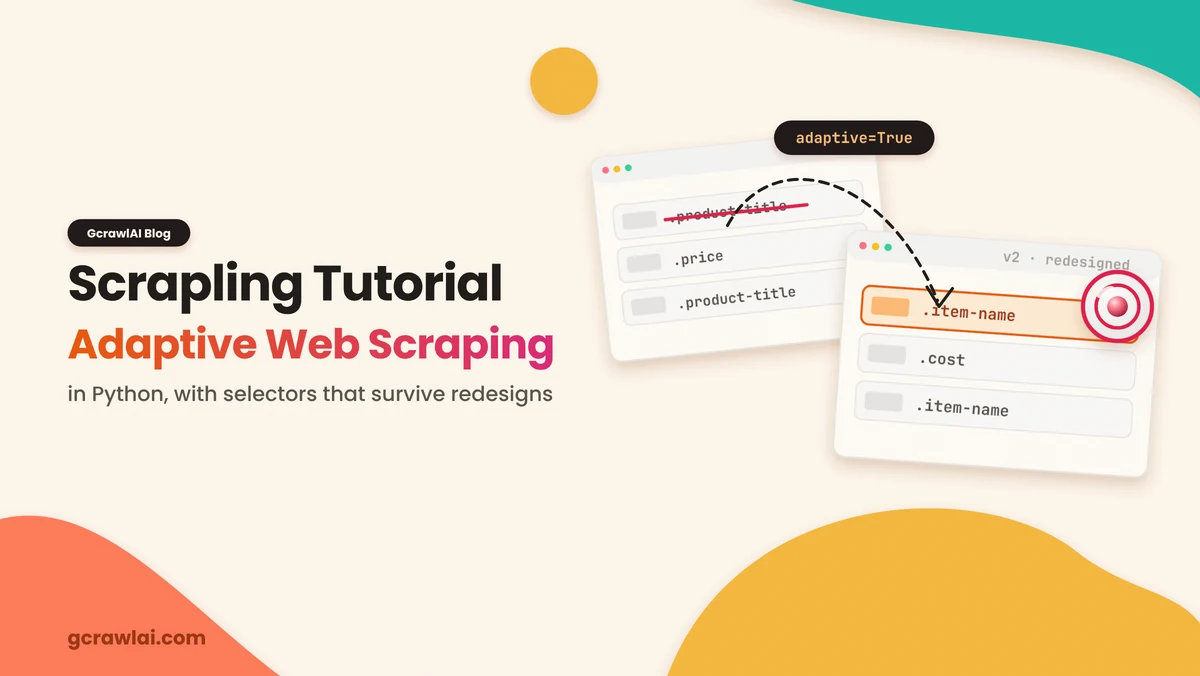
- Scrapling Tutorial: Adaptive Web Scraping in Python
- WebRTC and DNS Leaks: Why Your Proxy Still Exposes Your Scraper
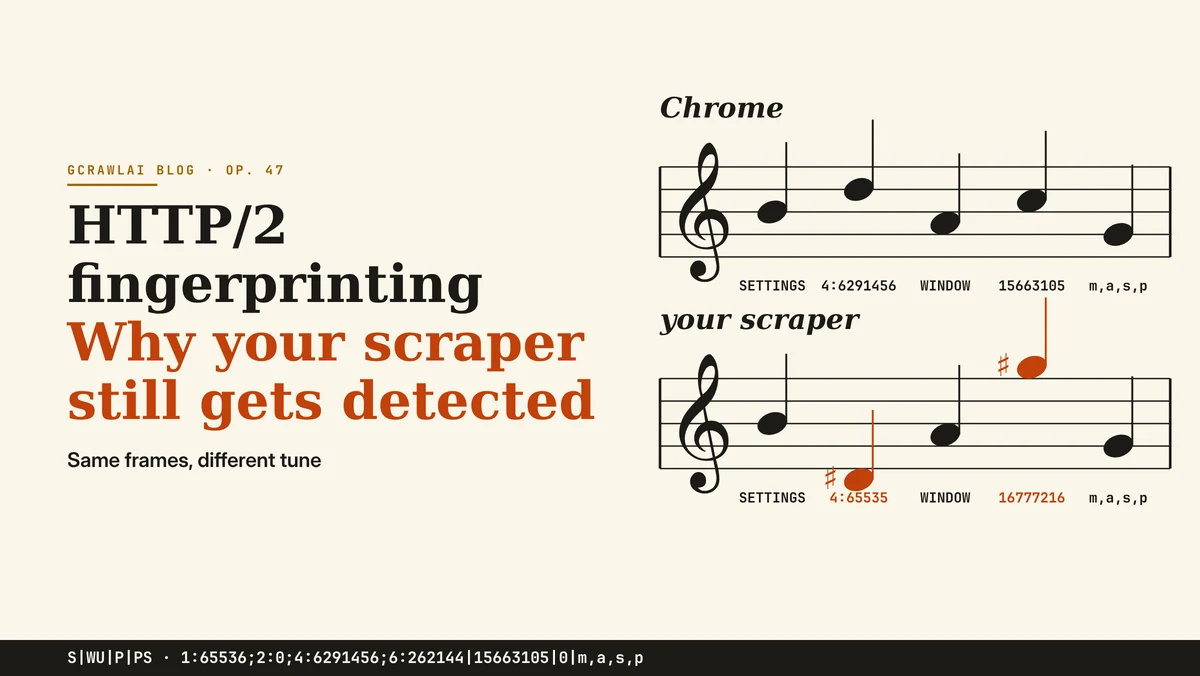
- HTTP/2 Fingerprinting: Why Your Scraper Still Gets Detected
- How Websites Detect Scrapers: 13 Signals Anti-Bot Systems Check
- How to Scrape Dynamic JavaScript Websites with Python (2026 Guide)
- Residential vs Datacenter Proxies, and How IP Rotation Works (2026 Guide)
- Web Scraping with Python vs a Scraping API: When to Stop Writing Your Own Scraper