Gramosoft Insights
Scraping Insights For Modern AI Data
Discover strategies for structured data, crawling, scraping, LLMs, and RAG to build smarter and more efficient data workflows.

Latest Articles
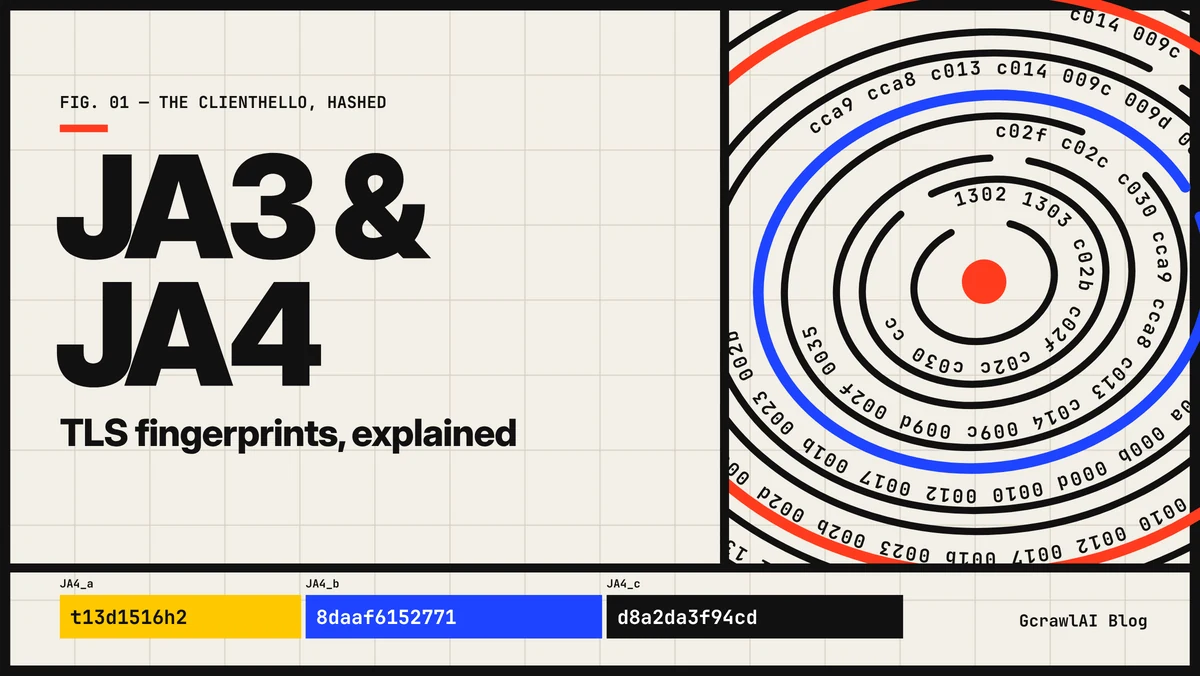
JA3 and JA4 TLS Fingerprints Explained
JA3 and JA4 explained from the ClientHello up: the five fields JA3 hashes with MD5, why Chrome's extension shuffle gave one browser many JA3s, how JA4's readable a_b_c format works, the JA4+ family, where sites use them, and what changes a fingerprint. With our own November 2026 capture of 11 clients, three connections each, using code that matched FoxIO's published JA4 on 135 of 135 test handshakes.
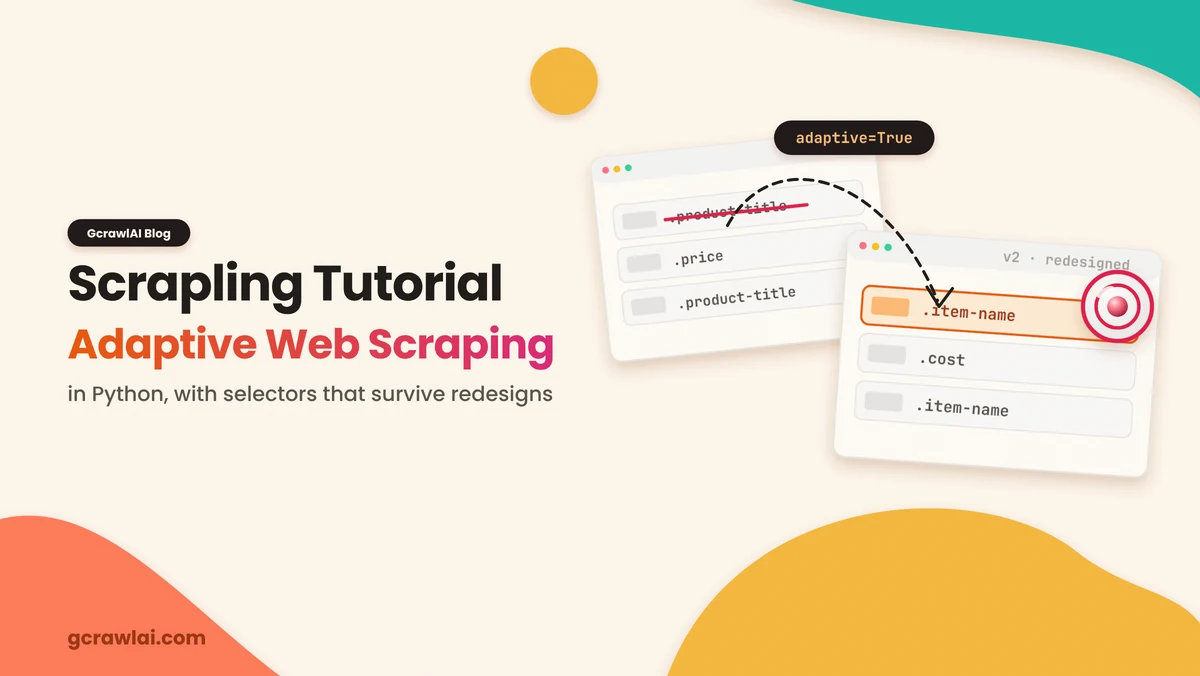
Scrapling Tutorial: Adaptive Web Scraping in Python
A hands-on Scrapling 0.5 tutorial: install the parser and fetchers, scrape with Fetcher and CSS, save element fingerprints with auto_save, relocate them after a redesign with adaptive=True, expand with find_similar(), render JavaScript with StealthyFetcher, crawl with the Spider class, and what changed in v0.5. With our own test of where adaptive selectors stop working and how to fix it.
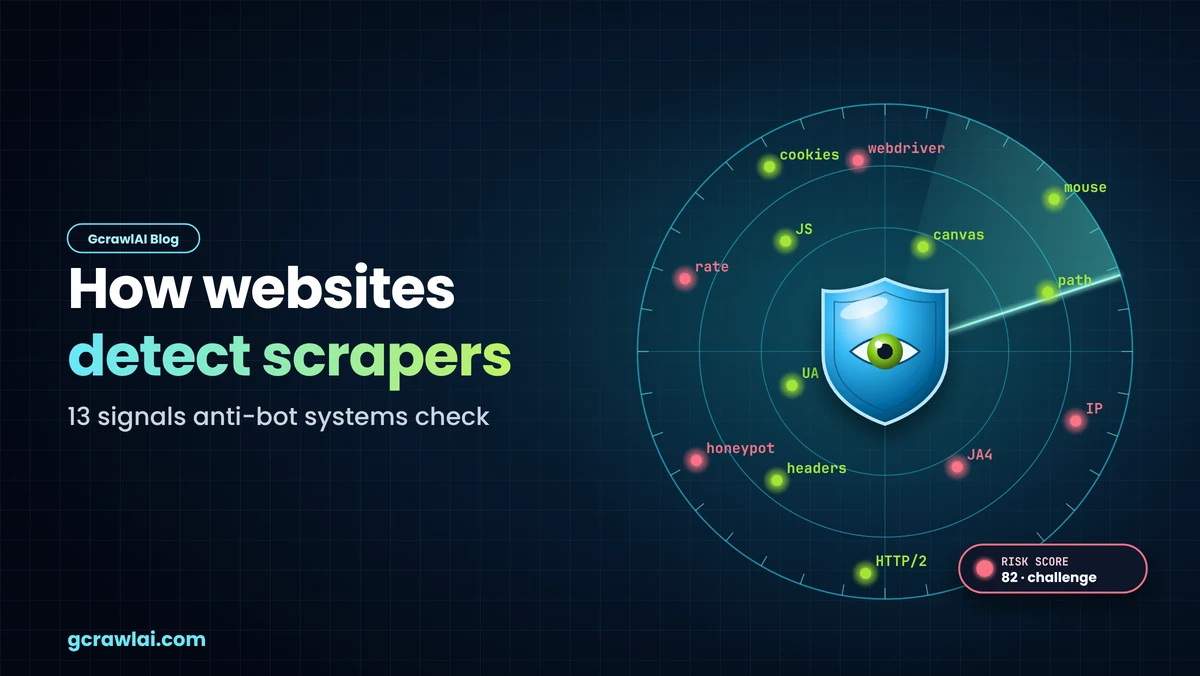
How Websites Detect Scrapers: 13 Signals Anti-Bot Systems Check
How websites detect scrapers, signal by signal: IP reputation, geography, TLS (JA4) and HTTP/2 fingerprints, header order, User-Agent and client hints, request timing, JavaScript challenges, automation flags, device fingerprints, behaviour, navigation and cookies, and honeypots. With our own November 2026 measurements of the JA4, headers and JavaScript tells that Python clients and headless Chromium expose.
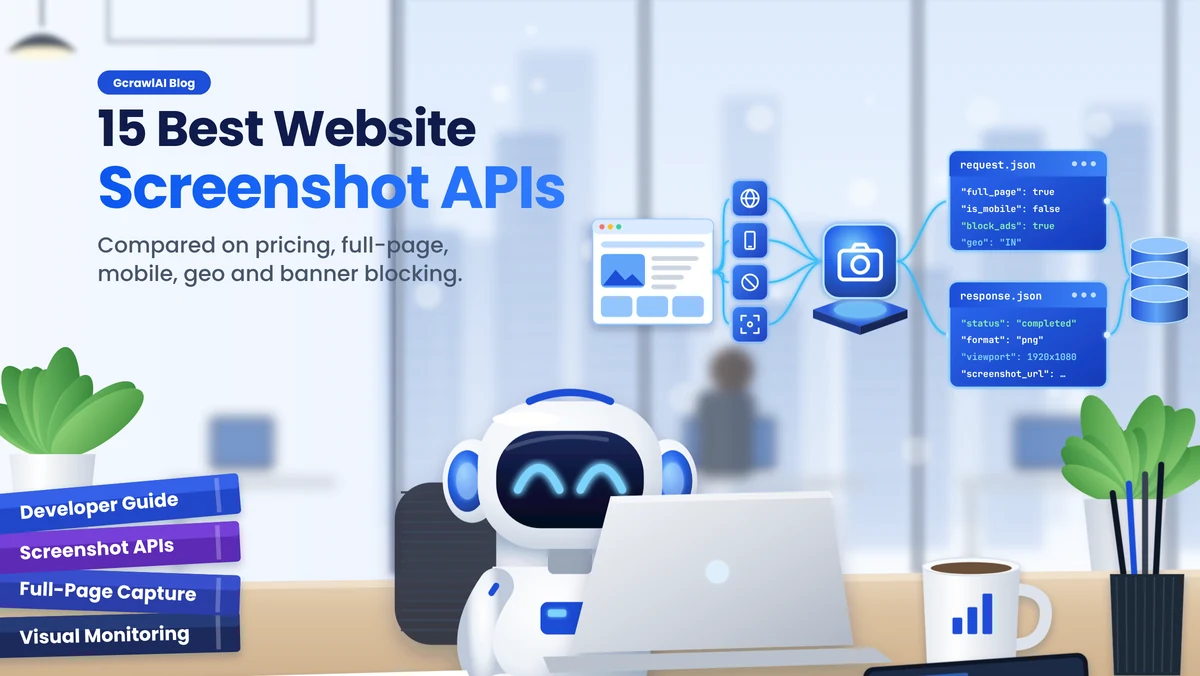
15 Best Website Screenshot APIs for Developers
15 website screenshot APIs compared for developers: GcrawlAI, ScreenshotOne, Urlbox, ApiFlash, Browserless, Firecrawl, ScrapingBee, Scrapfly, Microlink, HTMLCSStoImage, Doppio, Screenshot Machine, Screenshotlayer, CaptureKit and Bannerbear. Verified prices at 10,000 and 100,000 screenshots a month, free tiers, full-page and element capture, mobile and dark mode, country targeting, cookie-banner and ad blocking, and which ones bill failed captures, with cURL and Python code.
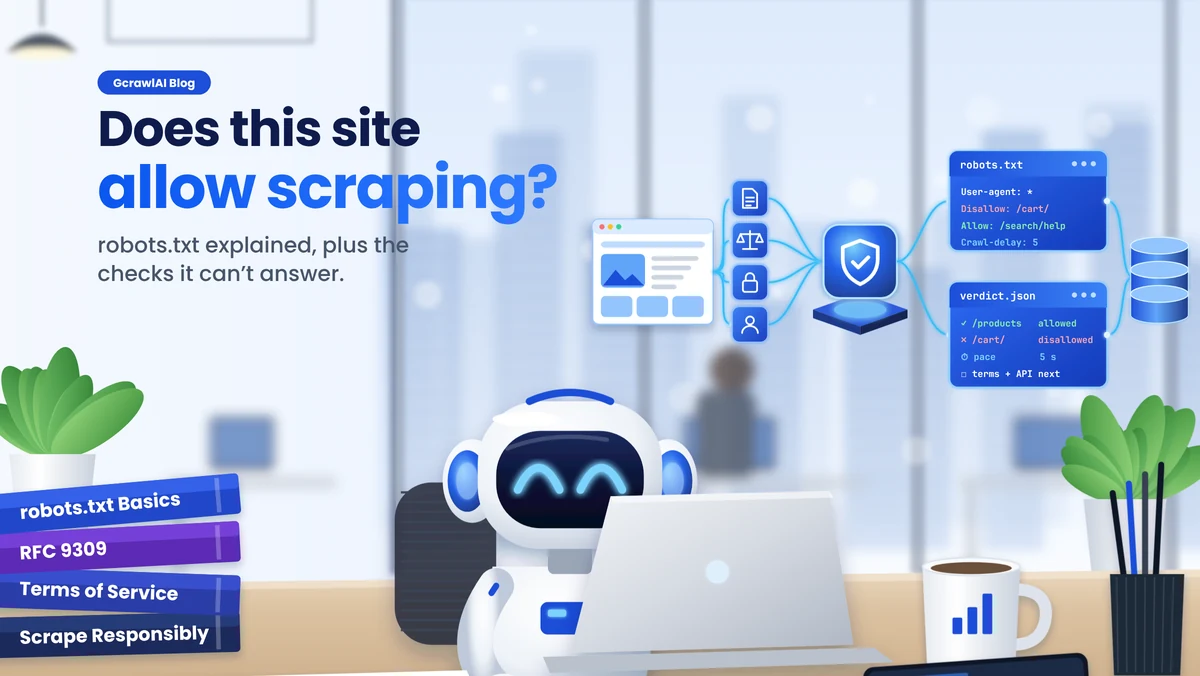
How to Check if a Website Allows Scraping (robots.txt Explained)
How to check if a website allows scraping: read robots.txt the way RFC 9309 defines it (one group per bot, longest match wins, * and $ wildcards, what a 404 or 503 means), what Crawl-delay, Sitemap and AI crawler rules tell you, what robots.txt can't tell you (terms, logins, personal data, copyright), and a Python checker that tested older Python versions getting the rules wrong.
Web Scraping Without Getting Blocked: The 2026 Playbook
The 2026 playbook for web scraping without getting blocked: the six detection layers sites score (IP reputation, TLS and HTTP/2 fingerprint, headers, browser fingerprint, behaviour, challenges), how to read a block and map it to the layer that caught you, the cheapest-fix-first ladder from pacing and headers to TLS matching, hidden APIs, residential proxies, sessions and real browsers, soft blocks that return 200, monitoring, when a block means stop, and Python, curl_cffi and Scrapy code.